How to Solve the Expo Network Response Timed Out Problem

If you’re developing a React Native app with Expo and you’re encountering a “network response timed out” error, it’s likely due to the port that Expo’s Metro bundler is running on not being open on your machine.
The solution is to open the necessary port so that your device or emulator can connect to the Metro server.
Steps to Solve the Expo Network Response Timed Out Problem on Linux (Ubuntu)
- Check the Current Open Ports:
In your terminal, run the following command to view the currently open ports:
sudo ufw status verbose
- Look for the port that Expo’s Metro bundler is running on (usually 8081).
- If you don’t see the port listed, you’ll need to open it.
2. Open the Expo Metro Port: Run the following command to open the Expo Metro port (replace 8081 with the port number if different):
sudo ufw allow 8081/tcp
This will open the port and allow traffic to flow through it.
After following these steps, your Expo “network response timed out” issue should be resolved, and you should be able to connect your device or emulator to the Expo Metro server without any problems.
If you continue to encounter issues, make sure to check your firewall settings and ensure that the specified port is not being blocked. You may also want to try restarting your development environment or the Expo Metro server to see if that resolves the problem.

> Written by
Emdadul Islam
Software Engineer. View profile →
Read more
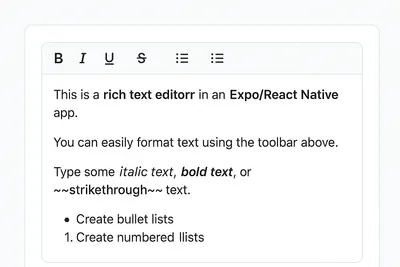
How to Add a Native Rich Text Editor in Expo / React Native (No WebView)
Rich text editing in React Native has always been tricky — especially when you want native performance instead of relying on WebViews. Most available libraries work great for the web, but fall short on mobile. That’s where [expo-rte](https://github.c...
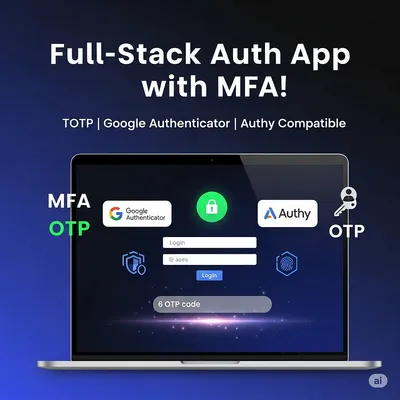
How to Implement Multi-Factor Authentication (MFA) with TOTP in Your Web Application
In today’s digital landscape, securing user accounts with just a password isn’t enough. Multi-Factor Authentication (MFA) adds an essential layer of security by requiring users to provide two or more verification factors. In this comprehensive guide,...
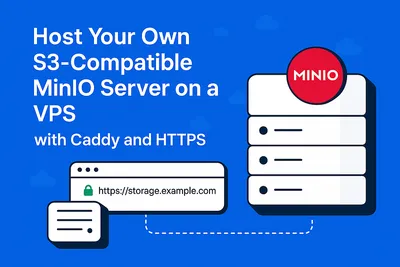
Host Your Own S3-Compatible MinIO Server on a VPS with Caddy and HTTPS
Host Your Own S3-Compatible MinIO Server on a VPS with Caddy and HTTPS Want to self-host object storage like AWS S3 but on your own VPS? Say hello to MinIO — a blazing-fast, S3-compatible storage solution. In this guide, we’ll show you how to install...