Warp — The Terminal Reimagined for Modern Developers

[Warp-your new favorite terminal
Warp is a Rust-based terminal built for speed. With Warp, you can type in a terminal like an IDE, navigate your output…app.warp.dev](https://app.warp.dev/referral/EXNJM6 "https://app.warp.dev/referral/EXNJM6")
If you’re a developer who spends a lot of time on the command line, you owe it to yourself to check out Warp — a groundbreaking new terminal that supercharges your productivity with AI assistance, modern editing capabilities, and collaborative workflows.
The first thing that struck me about Warp is just how fast and responsive it feels. Built with Rust, it boots up instantly and inputs register with zero lag. But it’s the innovative feature set that really makes Warp shine.
Modern Editing: One of my biggest pain points with traditional terminals is the clunky text editing experience. Warp addresses this brilliantly with an editing mode that feels just like a modern IDE. You can use the keyboard or mouse to insert, copy, select text with ease. Vim keybindings are supported out of the box. And smart completions help you type commands faster without needing to install plugins.
AI Command Generation: This is where Warp gets really magical. You can just describe what you want to do in plain English, and Warp’s built-in AI will generate the appropriate command(s) for you. No more furiously Googling or checking man pages — Warp’s AI acts as an intelligent command line assistant. And crucially, all processing happens locally, so your data stays private.
Warp Drive Workflows: Warp Drive is a revolutionary way to save, organize and share terminal commands and workflows across your team. You can parameterize commands, categorize them into collections, and bring up any workflow on demand with a few keystrokes. For teams, Warp Drive acts as a centralized, realtime-updated knowledge base for all your company’s scripts and DevOps processes.
I’ve barely scratched the surface of Warp’s capabilities here. It also has great customization options for themes, secure encrypted data storage, optional cloud backup, and more. After using Warp for a few weeks, going back to a traditional terminal feels like driving a beat-up pickup truck after getting used to a Tesla.
Warp is currently in beta, but you can request access and download it for Mac, Windows or Linux at warp.dev. For any developer who wants to supercharge their command line productivity, it’s an absolute must-try. Highly recommended!

> Written by
Emdadul Islam
Software Engineer. View profile →
Read more
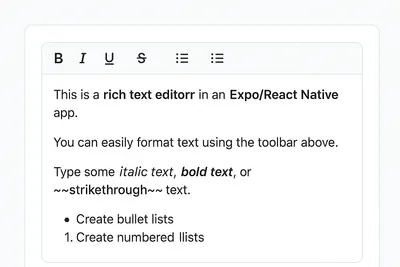
How to Add a Native Rich Text Editor in Expo / React Native (No WebView)
Rich text editing in React Native has always been tricky — especially when you want native performance instead of relying on WebViews. Most available libraries work great for the web, but fall short on mobile. That’s where [expo-rte](https://github.c...
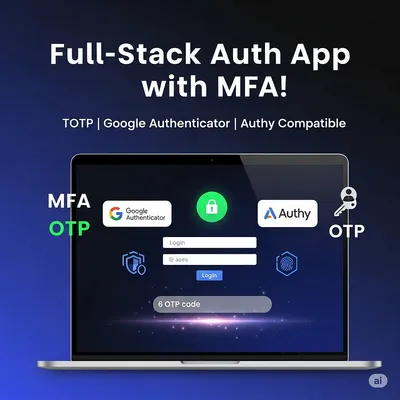
How to Implement Multi-Factor Authentication (MFA) with TOTP in Your Web Application
In today’s digital landscape, securing user accounts with just a password isn’t enough. Multi-Factor Authentication (MFA) adds an essential layer of security by requiring users to provide two or more verification factors. In this comprehensive guide,...
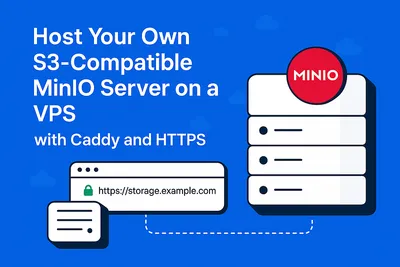
Host Your Own S3-Compatible MinIO Server on a VPS with Caddy and HTTPS
Host Your Own S3-Compatible MinIO Server on a VPS with Caddy and HTTPS Want to self-host object storage like AWS S3 but on your own VPS? Say hello to MinIO — a blazing-fast, S3-compatible storage solution. In this guide, we’ll show you how to install...